


What to do with old phones, laptops and electronics in Ghana
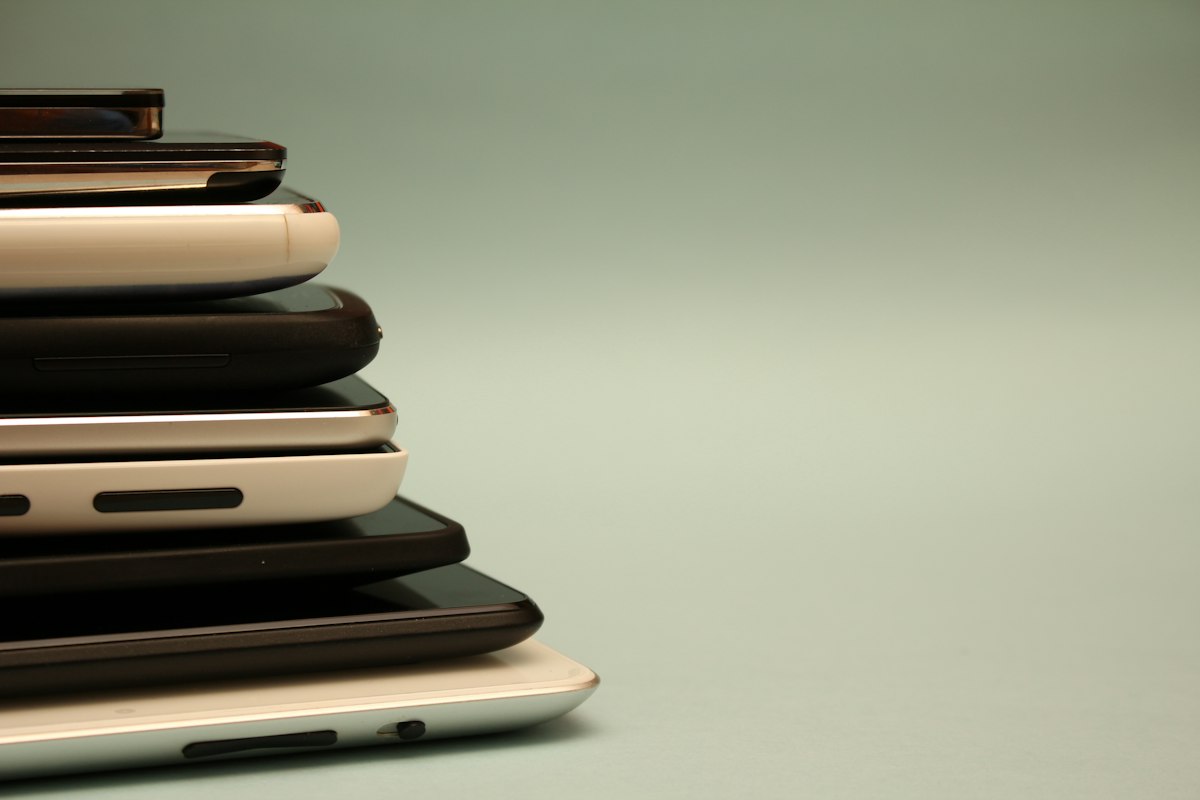
Most homes have a drawer full of old electronics: phones from three upgrades ago, chargers for devices nobody owns any more, a laptop that stopped working, a TV in the store room. Almost all of it has value to someone — as a working device, as parts, or as recoverable material. Thrown out carelessly, the same things become hazardous.
This guide covers what to do with old phones, laptops and other electronics in Ghana: how to decide whether something is worth passing on, how to wipe your data properly, where to take it, and what never to do.
Why electronic waste is different
Electronics contain materials that are harmful when they are burned or left to break down: lead, mercury in some older screens and lamps, cadmium, and the chemicals in plastic casings and cable insulation.
Ghana knows this better than most places. For years, the Agbogbloshie scrapyard in Accra was known around the world for the burning of cables to recover copper, which sent toxic smoke across the surrounding neighbourhoods. The site has since been cleared, but informal recovery of that kind has not disappeared.
Ghana's Hazardous and Electronic Waste Control and Management Act, 2016 (Act 917) sets out how electronic waste is supposed to be handled. For most households, the practical point is simple: electronics should be reused, repaired or taken to a proper recycler, not burned or thrown in with general rubbish.
Step 1: decide whether it still works
- It works. Give it away or sell it. An old smartphone can be a child's first phone. A laptop that is too slow for you may be perfectly good for a student writing assignments.
- It needs repair. Phone and laptop repairers are everywhere, and Kwame Nkrumah Circle in Accra is well known for electronics repair and parts. A new battery, screen or charging port often brings a device back to life for a fraction of the cost of a replacement.
- It is truly dead. It can still be stripped for parts or recycled properly.
Step 2: wipe your data before it leaves your hands
This is the step people skip, and the one that matters most. An old phone can hold your photos, messages, banking apps, and access to your email and social media.
Phones
- Back up anything you want to keep, using your Google account on Android or iCloud on an iPhone.
- Sign out of your accounts. On Android, remove your Google account. On an iPhone, sign out of your Apple ID and turn off Find My. If you skip this, the next person may not be able to use the phone at all.
- Log out of WhatsApp, banking and mobile money apps.
- Remove your SIM card and any memory card. Your mobile money account is tied to your SIM, not the handset, so keep the SIM.
- Factory reset the phone from the settings menu.
Laptops
- Back up your files.
- Sign out of your email, browsers and cloud accounts.
- Reset the laptop. On Windows, use "Reset this PC" and choose to remove everything. On a recent Mac, use "Erase All Content and Settings".
- If the laptop is dead and cannot be reset, remove the hard drive or SSD before you give it away, and keep or destroy it. Any repairer can take it out in minutes.
Step 3: decide where it goes
Pass it on
Working devices are easy to give away on Givny. List the model, the storage, how long the battery lasts and whether the charger is included. Be honest about cracks and faults. People asking for a free laptop usually need it for school or work and are grateful for anything that runs.
Clearing out a whole house rather than one drawer? Our room-by-room guide to decluttering covers everything else.
Repairers
Repair shops often take broken devices for parts. Remove your data first.
Schools and community centres
Working laptops and tablets can be very valuable to schools and community programmes. Call first to check they can use them, and include the chargers — a device without a charger is often no use at all.
Proper recyclers
For devices that cannot be reused, look for a licensed e-waste recycler. The Environmental Protection Agency can advise on where to take e-waste. Some retailers and network operators run take-back schemes from time to time, so it is also worth asking where you buy your devices.
What not to do
- Do not burn electronics or cables. The smoke is toxic.
- Do not put batteries in general rubbish. Lithium batteries can catch fire when they are crushed.
- Do not dump electronics in drains or open spaces.
- Do not give away a device you are still signed into.
Chargers, cables and batteries
- Chargers and cables are useful to anyone with a compatible device. Bundle them with the device they belong to.
- Swollen batteries — a phone whose back is lifting, or a laptop whose case is bulging — are a fire risk. Stop charging the device and take it to a repairer. Do not try to puncture or remove the battery yourself.
Frequently asked questions
Can I give away a phone that is still linked to my account?
You should not. On an iPhone, Activation Lock will stop the next person from using it until you sign out of your Apple ID. On Android, factory reset protection can do the same. Sign out, then reset.
Does removing the SIM card delete my data?
No. Your photos, messages and apps are stored on the phone itself. You need to sign out of your accounts and factory reset the phone as well.
Is it safe to give an old phone to a repair shop?
Yes, once you have signed out of your accounts and reset it. Do not hand over a device with your data still on it.
Where can I recycle electronics in Accra?
Look for a licensed e-waste recycler, and ask the Environmental Protection Agency if you are unsure. Before you recycle anything that still works, though, consider whether someone could use it.
Have a working phone, laptop or fan you no longer use? List it on Givny and put it back to work for someone nearby.
How did this land?



Join the conversation
Sign in to comment. Real names keep this place civil.